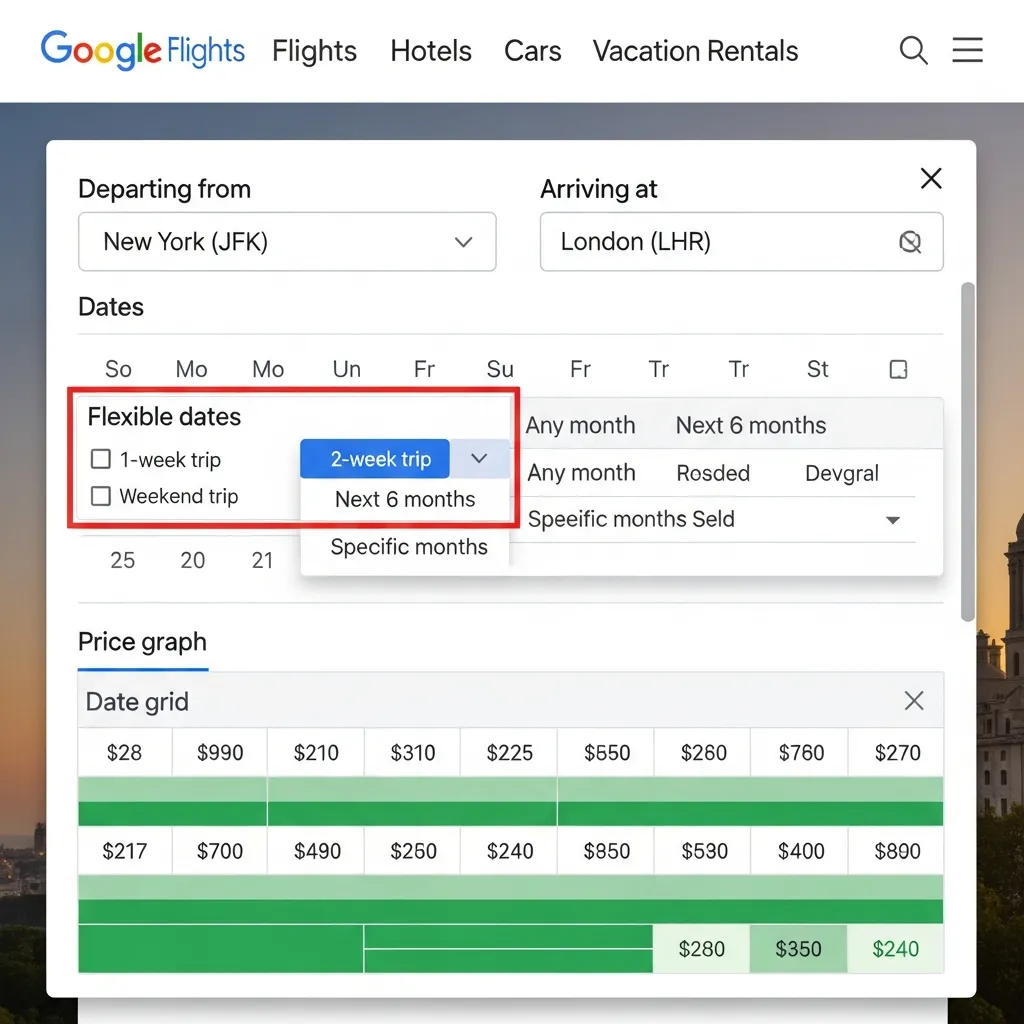
Google Flights Flexible Dates is a free feature that shows you how ticket prices change across different days, so you can pick the cheapest time to fly. By shifting your departure or return by just a day or two, you can save hundreds of dollars on the same trip.
Most travelers lock in their dates first and check prices second. That’s the wrong order. If your schedule has any wiggle room at all, flipping that approach—prices first, dates second—is the single easiest way to spend less on flights.
Google Flights Flexible Dates makes this effortless. Instead of running dozens of separate searches, you see a whole calendar of prices at a glance. Cheaper days jump out in green. Pricey ones glow red. You spot the deal in seconds.
This guide walks you through everything: how the feature works, a step-by-step tutorial, advanced tricks for stacking savings, and the other Google Flights tools worth knowing. By the end, you’ll know how to use Google Flights Flexible Dates to plan trips that fit both your calendar and your budget.
What is Google Flights and How Do Flexible Dates Work?
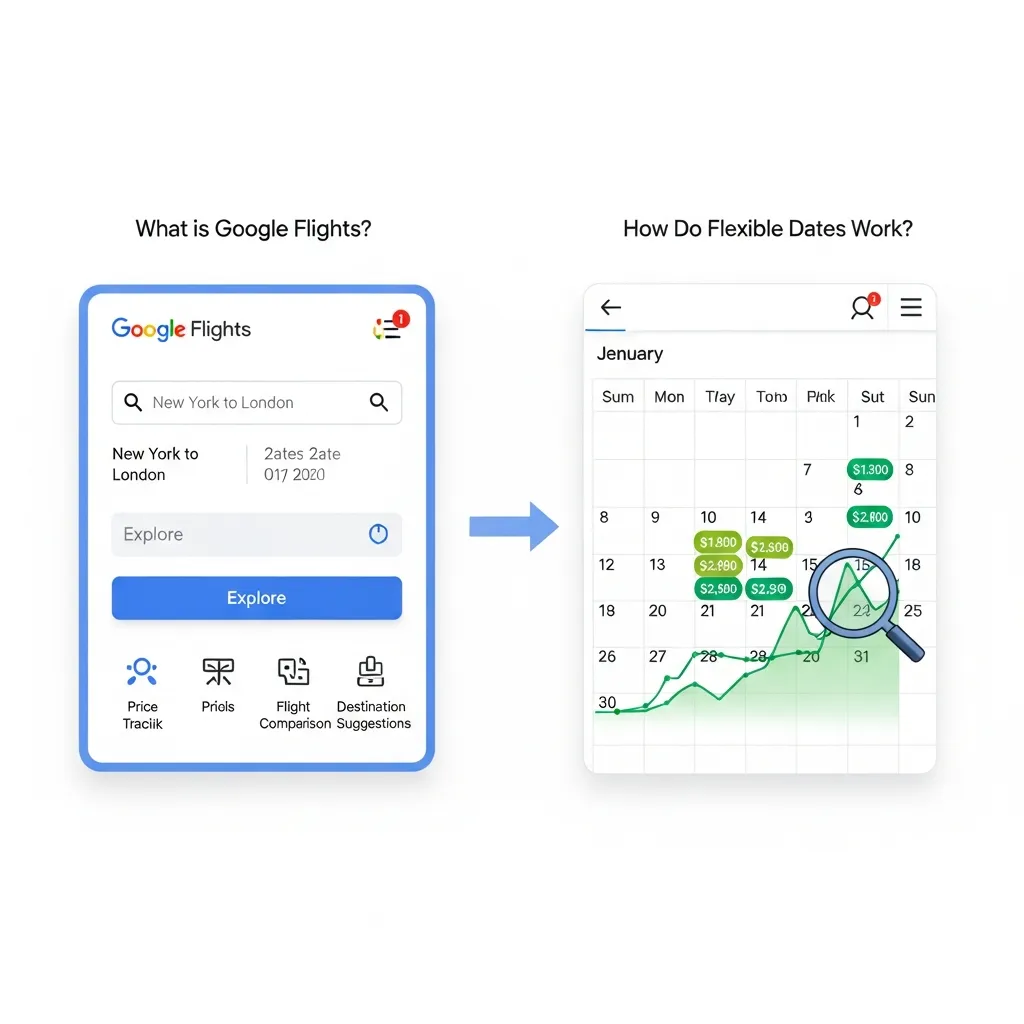
Google Flights is a free flight search engine launched by Google in 2011. It pulls fares from hundreds of airlines and travel agencies, then displays them in a fast, clean interface. You can compare prices, filter by airline, track fares over time, and explore destinations—all without leaving the page.
The Flexible Dates feature sits at the heart of budget-friendly searching. Rather than committing to exact travel days, you let Google show you a range of options and their prices.
How the Flexible Dates feature works
When you enter your origin and destination, click on the date box. Google Flights gives you two views:
- Calendar view: A monthly grid showing the lowest price for each departure and return combination. Green numbers mean cheaper fares; higher prices appear in gray or red.
- Price graph: A line chart that maps how fares rise and fall across upcoming weeks, helping you spot the cheapest travel windows.
You can also use the duration filter. Tell Google you want a 7-day trip “anytime in March,” and it will surface the cheapest week-long option that month.
Why flexible dates matter for budget travel
Airline pricing shifts constantly based on demand, day of the week, and how far out you book. The difference between a Tuesday and a Saturday departure can be steep. Flexible dates expose these gaps so you can choose the cheapest option without guessing.
The benefits break down into three big wins:
- Cost savings. Moving your trip by a day or two often cuts the fare significantly, especially around holidays and weekends.
- Discovering new destinations. When you search broadly, you may find an unexpected city that’s far cheaper to reach.
- Avoiding peak travel times. Flexible dates naturally steer you toward quieter, less crowded—and less expensive—travel periods.
The Complete Guide to Using Google Flights Flexible Dates
Ready to put this into practice? Here’s the complete guide, broken into simple steps anyone can follow.
Step 1: Access the flexible date feature
Go to flights.google.com. Enter your departure city, then your destination (or leave it blank to explore anywhere). Click the date field to open the calendar.
Step 2: Set your origin and trip duration
Choose round-trip or one-way at the top. If you’re flexible, switch to the duration option and tell Google how long you want to travel—say, 5, 7, or 10 days. Then select the broader window you’re considering, like “next two months.”
Step 3: Explore the calendar view
The calendar lays out daily prices side by side. Scan for the green figures. Pair a cheap departure date with a cheap return date, and Google updates your total fare instantly. This visual comparison is the core strength of Google Flights Flexible Dates.
Step 4: Use the map feature for flexible destinations
Not set on where you’re going? Click “Explore” or leave the destination blank to open the map. Google overlays prices on cities worldwide. You can drag, zoom, and discover where your budget stretches furthest—a perfect tool for spontaneous travelers.
Advanced tips and tricks for Google Flights Flexible Dates
Once you’ve mastered the basics, layer in these techniques to squeeze out even bigger savings.
- Combine filters with flexible dates. Add filters for number of stops, preferred airlines, and departure times. Just remember each filter can raise the lowest available price, so apply them thoughtfully.
- Set up Google Flights Price Tracker alerts. Found a good route but not ready to book? Toggle on price tracking and Google emails you when the fare changes.
- Understand price fluctuations. Fares often dip mid-week and climb closer to weekends and departure dates. Watching patterns over a few days helps you recognize a genuine deal.
Maximizing Your Savings with Google Flights
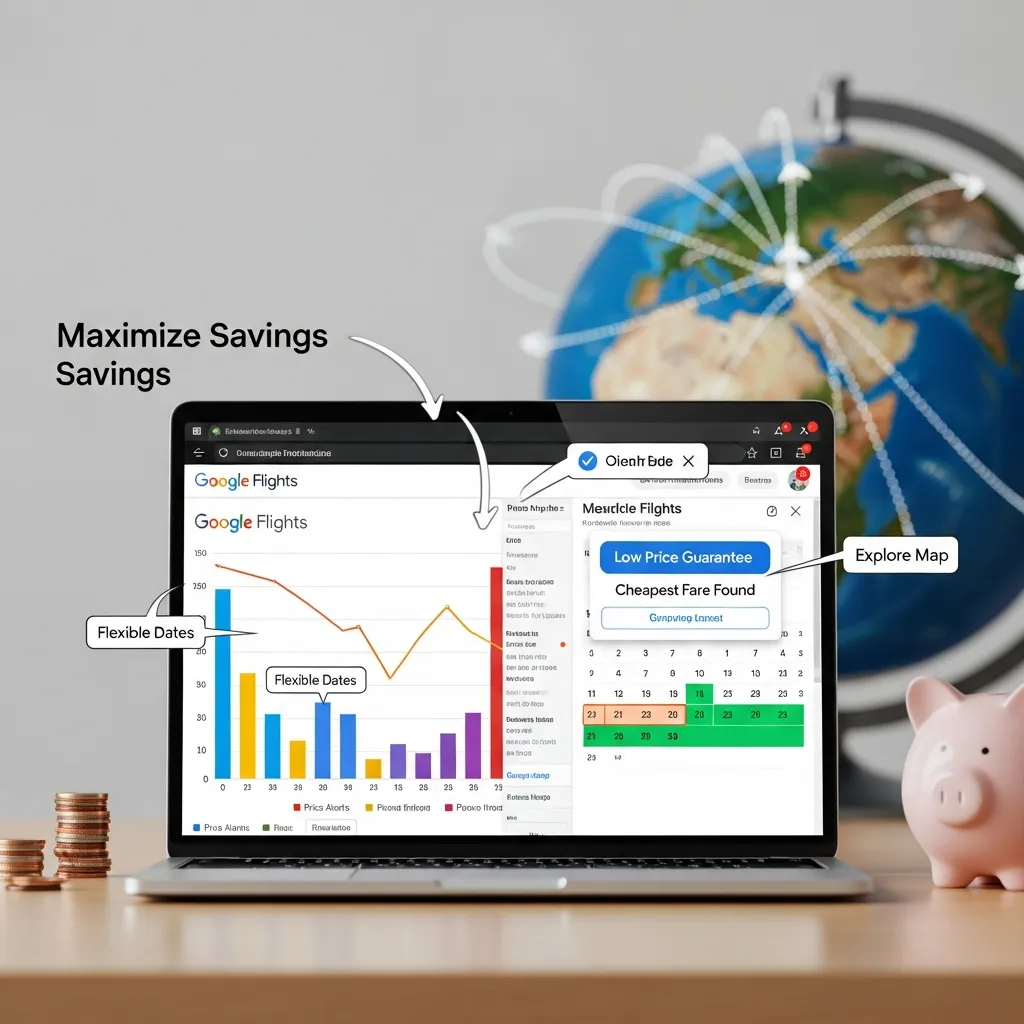
Flexible dates are powerful on their own. Combine them with these strategies and you’ll save even more.
Google Flights Multi City Booking strategies
The Google Flights Multi City Booking option lets you build trips with several stops on one itinerary. Instead of flying round-trip to a single place, you can fly into one city and out of another.
- Plan multi-leg journeys. Select “Multi-city” at the top of the search page, then add each flight segment with its own date and route.
- Identify cheaper routing options. Sometimes flying into a major hub and continuing to your final stop separately costs less than a direct ticket. Multi-city search reveals these combinations.
Leveraging the Google Flights Price Tracker
The Google Flights Price Tracker watches fares for you so you don’t have to check obsessively.
- Set and manage alerts. Turn on tracking for a specific route or date range. Manage all your tracked trips from the “Tracked flight prices” section.
- Interpret price predictions. Google often shows whether a current price is low, typical, or high, based on historical data. These insights help you decide whether to book now or wait.
Best practices for finding the cheapest flights
A few timeless habits pair perfectly with Google Flights Flexible Dates:
- Fly mid-week. Tuesday and Wednesday departures are frequently cheaper than weekend ones.
- Book in advance—but not too far. A sweet spot of roughly one to three months ahead works for many domestic routes; international trips often reward earlier booking.
- Consider alternative airports. Checking a nearby airport can uncover noticeably lower fares.
Beyond Flexible Dates: Other Google Flights Features
Google Flights offers more than calendar searches. These extra tools round out your Google Flights guide to smarter travel.
Using the Explore feature to discover destinations
The “Explore” feature is a dream for open-minded travelers. Enter your home airport, leave the destination open, and browse a world map dotted with prices. You can filter by interest, trip length, and budget to find cheap flights to almost anywhere.
Hidden gems and lesser-known functions
A few underused tools deserve your attention:
- Price history. Google shows how a fare has trended recently, helping you judge if today’s price is a bargain.
- “Anywhere” destination search. Type “Anywhere” in the destination box to see the cheapest places you can reach from your city right now.
Essential Travel Gadgets and Resources
Booking a great fare is half the battle. The right gear makes the journey itself smoother.
Best flight gadgets for a smoother journey
The best flight gadgets help you stay comfortable and powered up from gate to gate:
- Noise-canceling headphones. They quiet engine hum and crying babies, making long-haul flights far more bearable.
- Portable chargers. A reliable power bank keeps your phone and boarding passes alive when outlets are scarce.
- Travel adapters. A universal adapter keeps your devices charged no matter which country you land in.
Apps and tools to complement Google Flights
Pair Google Flights with these resources for a complete trip plan:
- Accommodation booking apps for hotels, hostels, and rentals once your flight is locked in.
- Local transport guides that map out trains, buses, and rideshares at your destination.
Conclusion
Google Flights Flexible Dates turns flight hunting from a chore into a quick, visual search. By comparing prices across days, exploring destinations on the map, and stacking smart strategies like multi-city routing and price tracking, you can consistently pay less to travel more.
Start with the basics: open the calendar view, look for the green fares, and shift your dates where you can. Then layer in the Google Flights Price Tracker and Explore map as you grow comfortable. The next time you plan a trip, let the prices guide your dates—not the other way around. Your wallet will thank you.
Frequently Asked Questions
Is Google Flights always the cheapest?
Not always. Google Flights is excellent for comparing fares and spotting deals, but airlines occasionally offer exclusive prices on their own sites. Use Google Flights to find the best route and date, then double-check the airline’s website before booking.
How far in advance should I use flexible dates?
For domestic flights, searching one to three months ahead often hits the sweet spot. For international trips, start browsing flexible dates two to six months out. The earlier you watch prices, the better you’ll recognize a genuine deal.
Can I track specific flexible date ranges?
Yes. Google Flights lets you turn on price tracking for both specific dates and broader date ranges. You’ll get email alerts when fares change, so you can book at the right moment.
Does Google Flights include all airlines?
Google Flights covers most major and budget airlines, but a few carriers—such as some ultra-low-cost airlines—don’t appear in results. If a budget airline serves your route, it’s worth checking its site directly too.
What if my destination doesn’t have flexible dates showing?
If flexible date prices don’t load, try broadening your search window, removing filters, or checking nearby airports. Limited routes sometimes have fewer price data points, which can affect what’s displayed.
How accurate is the Google Flights Price Tracker?
The Google Flights Price Tracker reliably reports current fare changes and trends. Its price predictions are based on historical data and are usually helpful, though no tool can guarantee where prices will go next.
Can I use Google Flights Flexible Dates for international travel?
Absolutely. Flexible dates work for international routes and can reveal big savings, since long-haul fares vary widely by day and season. Pair them with the Explore map to find the cheapest international destinations.
What is the best way to combine multi-city with flexible dates?
Build your itinerary using Google Flights Multi City Booking, then adjust each leg’s date individually to test cheaper combinations. Multi-city searches are less automated than round-trip flexible dates, so a little manual tweaking pays off.
Are there any hidden fees with Google Flights?
Google Flights itself is free and charges nothing. However, the prices shown may not include extras like baggage or seat selection, which airlines add at checkout. Always review the full fare details before paying.
How often are prices updated on Google Flights?
Google Flights refreshes fares very frequently, often in near real time. Prices can change within minutes as airlines adjust availability, so a deal you spot may not last long.
What’s the difference between calendar view and the price graph?
Calendar view shows the lowest price for each individual date in a monthly grid, ideal for picking exact days. The price graph plots fare trends across weeks, making it easier to spot the cheapest overall travel window.
Does using flexible dates guarantee the lowest price?
Flexible dates dramatically improve your odds of finding a low fare, but they don’t guarantee the absolute lowest price. Combine them with the Google Flights Price Tracker, alternative airports, and mid-week departures for the best results.