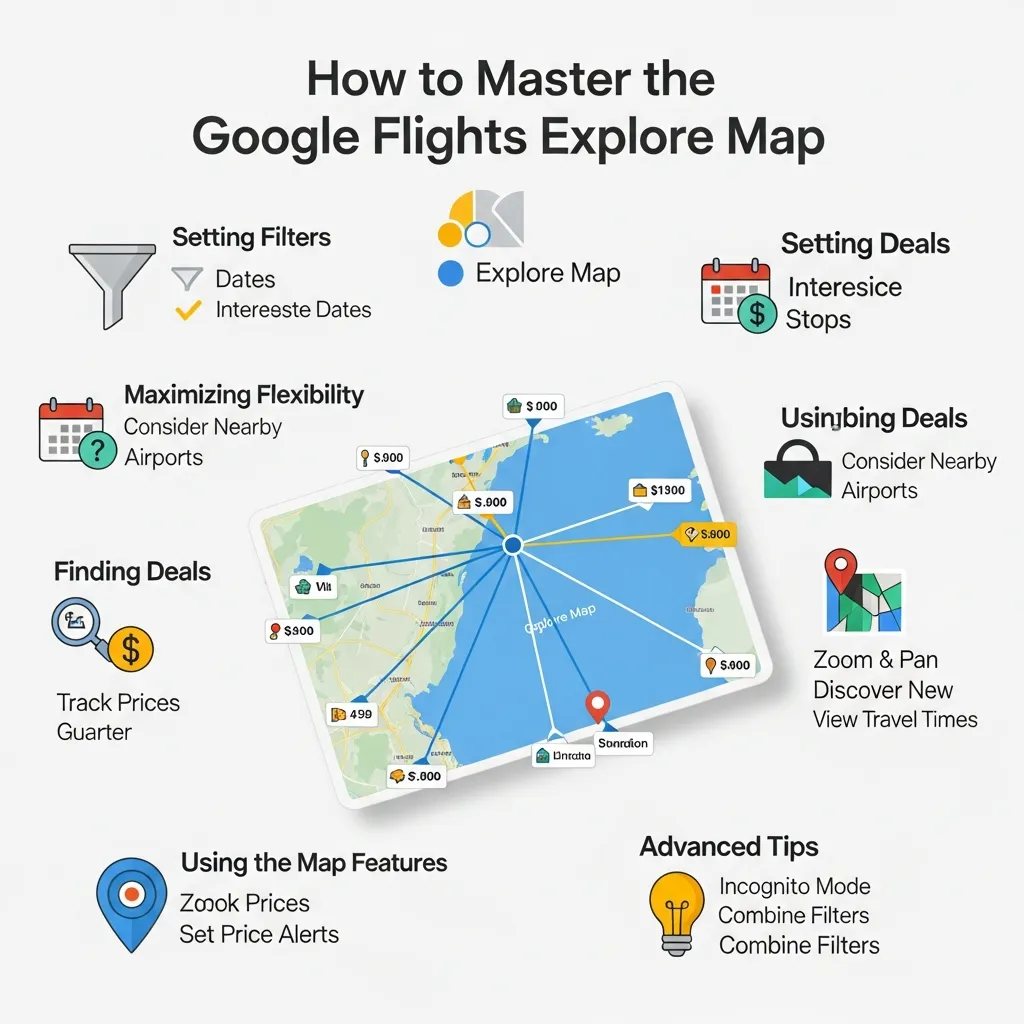
The Google Flights Explore Map is a visual search tool that lets travelers find the cheapest flights to anywhere in the world. By leaving destination or dates open, users can spot low fares, compare nearby airports, and set price alerts for maximum savings.
Finding cheap airfare can feel overwhelming when flight prices fluctuate daily. Many travelers spend hours checking different dates and destinations manually. The Google Flights Explore Map eliminates this frustration by offering a highly visual, flexible way to search for flights.
By using the Google Flights Explore Map, you gain a massive advantage over standard search methods. This tool reveals hidden flight deals by showing you exactly how much it costs to fly to various cities across the globe from your home airport.
This comprehensive guide will teach you exactly how to navigate the Google Flights Explore Map. You will learn how to filter your options, compare the tool against competitors, and uncover the best strategies for scoring cheap flights.
What is the Google Flights Explore Map and why should you use it?

What exactly is the Google Flights Explore Map?
The Google Flights Explore Map is a feature within the main Google Flights platform. Instead of forcing users to input a specific destination and exact dates, the Google Flights Explore Map displays a world map overlaid with flight prices. Users simply enter a departure city, and the map populates with prices for destinations all over the world.
Why should travelers use the Google Flights Explore Map for finding flights?
Travelers should use the Google Flights Explore Map because it maximizes flexibility. If you want to take a vacation in October but do not care where you go, the map will instantly show you the cheapest options globally. This flexibility allows you to discover affordable destinations you might never have considered.
How does the Explore Map differ from standard flight searches?
Standard flight searches require strict parameters: an origin, a destination, and rigid travel dates. The Google Flights Explore Map flips this model. You can search by a specific month, a generic timeframe like “a weekend in July,” or simply select “flexible dates.” The Google Flights Explore Map then provides a visual breakdown of your options.
How do you get started with the Google Flights Explore Map?
How do you access the Explore Map?
To access the Google Flights Explore Map, navigate to the main Google Flights homepage. On desktop, click the “Explore” tab located on the left-hand menu. On mobile, the “Explore” button typically sits near the top of the interface. Clicking this will immediately launch the interactive map.
What is the basic navigation and interface overview?
Once you open the Google Flights Explore Map, you will see a large map dominating the screen. On the left side, a sidebar lists popular destinations with their corresponding prices and photos. You can drag the map, zoom in on specific countries, and watch the prices update in real-time based on the area you are viewing.
How do you set your departure airport and dates?
At the top of the Google Flights Explore Map, locate the search bar. Enter your home airport or multiple nearby airports. Next, click the date field. You can choose specific dates if your schedule is strict. Alternatively, choose the “Flexible dates” tab to search for weekend, one-week, or two-week trips within a chosen month.
What advanced features does the Google Flights Explore Map offer?
How can you filter the map by price, duration, and stops?
The Google Flights Explore Map contains powerful filters just beneath the main search bar. You can slide the price filter to only show flights under $300. You can limit the total travel time using the duration filter. You can also select the “Stops” filter to view only nonstop flights, ensuring you do not waste time on long layovers.
How do you explore different destinations simultaneously?
By simply zooming out on the Google Flights Explore Map, you can view flight prices for Europe, Asia, and South America all at once. If you zoom in on a region like Western Europe, the Google Flights Explore Map will reveal smaller, secondary airports that often feature cheaper landing fees and lower ticket prices.
How do you use flexible date options and the “Anywhere” destination?
When you type “Anywhere” into the destination box, the Google Flights Explore Map populates the entire globe. Combine “Anywhere” with a flexible date setting—such as a one-week trip in September—and the Google Flights Explore Map does all the heavy lifting to find the absolute cheapest vacation spots for that timeframe.
How can you find deals for specific interests like beaches or cities?
The Google Flights Explore Map allows you to filter by interests. If you click on the “Interests” tab, you can select categories such as “Outdoors,” “Beaches,” or “Museums.” The Google Flights Explore Map will then highlight destinations that match these specific travel preferences.
How can you master Google Flights Like a Pro?

What are the best tips and tricks for uncovering hidden gems?
To use Google Flights Like a Pro, always input multiple departure airports. If you live in Philadelphia, add Newark and JFK to your origin search. The Google Flights Explore Map will automatically calculate the cheapest route out of all three. Additionally, check separate one-way tickets on different airlines, which the Google Flights Explore Map often pieces together for lower fares.
How do you set price alerts for desired routes?
If you find a promising destination on the Google Flights Explore Map but the price is too high, click on the city. You will see a toggle switch labeled “Track prices.” Turning this on allows Google to email you directly when the airfare for that specific route drops.
How do you understand price trends and historical data?
When viewing a specific flight result, the platform provides a colored pricing graph. This graph shows whether the current fare is low, typical, or high based on historical data. Using this data helps you decide whether to book immediately or wait for a price drop.
How do you combine the Explore Map with other Google Flights features?
Combine the Google Flights Explore Map with the “Date Grid” and “Price Graph” features. Once you select a destination from the map, open the Date Grid to see a calendar matrix of prices. This shows if shifting your departure or return by a single day will save you hundreds of dollars.
Skyscanner vs Google Flights: Which platform is better?
What is the comparative analysis of features and user experience?
When looking at Skyscanner vs Google Flights, both offer “everywhere” search functions. However, the Google Flights Explore Map provides a much faster, cleaner map interface. Skyscanner often includes online travel agencies (OTAs) with mixed reputations, whereas Google Flights primarily directs users to book directly with the airlines.
When should you use Skyscanner and when should you use the Google Flights Explore Map?
Use the Google Flights Explore Map for your initial brainstorming and broad destination searches because of its superior speed and visual map. Choose Skyscanner if you want to double-check prices right before booking, as Skyscanner sometimes includes smaller budget airlines that Google occasionally misses.
What are the strengths and weaknesses of each platform?
The primary strength of the Google Flights Explore Map is its lightning-fast speed and historical price data. Its weakness is that it occasionally omits small, regional budget carriers. Skyscanner excels at finding the absolute lowest price across third-party booking sites, but its interface can be cluttered and slower to load.
How do you find Cheap Flights for Festival Travel?
What are the strategies for finding Cheap Flights for Festival Travel?
Finding Cheap Flights for Festival Travel requires strict date requirements but flexible arrival airports. If you are attending a music festival in Belgium, use the Google Flights Explore Map to search for flights to Brussels, Amsterdam, Paris, and Frankfurt simultaneously. You can often find a cheap flight to a neighboring country and take a short train ride to the festival.
How do you track prices for popular festival destinations?
Festival dates are usually announced months in advance. As soon as you know the dates, use the Google Flights Explore Map to navigate to the nearest airport. Turn on the “Track prices” feature for the specific weekend. This ensures you buy exactly when the algorithm detects a dip in demand.
Should you book festival flights in advance or wait for last-minute deals?
For major events, you should always book in advance. Airlines know when large festivals occur and rarely drop prices at the last minute because demand remains high. The Google Flights Explore Map historical data usually confirms that booking three to four months prior yields the best results for event travel.
What are some real-world examples and case studies?
How have users found amazing deals using the Google Flights Explore Map?
Travelers frequently use the Google Flights Explore Map to build complex, multi-city European trips. One traveler wanted to visit Italy but found direct flights to Rome cost $1,200. By opening the Google Flights Explore Map, they found a flight to Barcelona for $400. They booked that flight and then used a budget European carrier to reach Rome for an additional $50, saving over $700.
What is a step-by-step example of a successful flight search?
First, open the Google Flights Explore Map. Second, enter “Chicago” as the origin and “Anywhere” as the destination. Third, set the dates to “Flexible – 1 week in October.” Fourth, filter the price to “Under $500.” The map instantly reveals that flights to Reykjavik, Iceland are currently $350. You can then click the city and book directly with the airline.
What common mistakes should you avoid when using the map?
Why is overlooking flexible dates a costly mistake?
Locking yourself into a strict Friday-to-Sunday schedule is the fastest way to overpay. The Google Flights Explore Map shines when you use the flexible dates tab. Shifting a flight from a Friday departure to a Thursday departure often cuts the ticket cost by 20 percent.
Why do users fail by not setting enough filters?
If you do not set filters, the Google Flights Explore Map might show you a $200 flight to Bali that takes 45 hours and requires three layovers. Always use the duration and stops filters to ensure the cheap flights shown are actually reasonable and comfortable itineraries.
Why is ignoring nearby airports a bad idea?
Many travelers only input their closest regional airport. If you do this, you miss out on major international hubs that offer significantly cheaper fares. Always utilize the Google Flights Explore Map feature that allows you to add up to five origin airports simultaneously.
How is the future of flight search and AI integration changing?

How is AI enhancing flight search tools?
Artificial intelligence now analyzes billions of historical price points to predict future airfare accurately. AI helps platforms process vast amounts of data to give travelers actionable insights, such as telling them to wait two weeks before booking a specific route.
What is next for the Google Flights Explore Map?
The Google Flights Explore Map will likely integrate deeper conversational AI. Soon, travelers might be able to prompt the system with complex requests like, “Show me a map of destinations under $600 with average temperatures above 75 degrees in February,” and the map will populate accordingly.
What is the final verdict on the Explore Map?
The Google Flights Explore Map is undeniably one of the most powerful tools available for modern travelers. By embracing flexible dates, searching “Anywhere,” and understanding how to apply the right filters, anyone can uncover massive travel savings. Whether you are hunting for Cheap Flights for Festival Travel or just a weekend getaway, mastering this map will change how you plan vacations forever. Start experimenting with the tool today, set your price alerts, and watch the affordable destinations reveal themselves.
Frequently Asked Questions (FAQs)
1. What is the main benefit of using the Google Flights Explore Map?
The main benefit of the Google Flights Explore Map is its visual flexibility. It allows users to see flight prices across the entire globe simultaneously, making it incredibly easy to find cheap destinations when your travel plans are open-ended.
2. How do I access the Google Flights Explore Map?
You can access the Google Flights Explore Map by visiting the standard Google Flights website and clicking on the “Explore” button located on the left-side menu on desktop, or at the top of the interface on mobile devices.
3. Can I search for specific types of destinations on the Explore Map?
Yes. The Google Flights Explore Map includes an “Interests” filter. You can select categories such as outdoors, beaches, or winter sports, and the map will highlight destinations that match those specific activities.
4. Is the Google Flights Explore Map better than Skyscanner for all types of travel?
Not always. The Google Flights Explore Map is better for fast, flexible, broad research and booking directly with airlines. Skyscanner is sometimes better for finding absolute rock-bottom prices on smaller budget airlines or third-party travel agencies.
5. How accurate are the prices shown on the Google Flights Explore Map?
Prices on the Google Flights Explore Map are highly accurate and update in near real-time. However, prices can change rapidly based on airline availability, so the final price is only guaranteed once you proceed to the airline’s checkout page.
6. Can I set price alerts using the Google Flights Explore Map?
Yes. Once you click on a specific destination city on the map, you will be taken to a detailed flight page where you can toggle the “Track prices” feature. Google will then email you when the fare drops.
7. What does “Anywhere” mean on the Google Flights Explore Map?
Typing “Anywhere” into the destination field tells the tool that you have no specific city in mind. The map will populate with the lowest flight prices for cities in every country across the globe.
8. How can I find cheap flights for specific events like festivals using the map?
To find cheap flights for specific events, input the exact event dates into the map. Then, look at the prices for multiple airports surrounding the event location. You can often fly into a cheaper neighboring city and take ground transportation to the festival.
9. Are there any hidden fees not shown on the Google Flights Explore Map?
The Google Flights Explore Map typically displays the base fare, including standard taxes. However, baggage fees, seat selection fees, and other airline-specific add-ons are usually not included in the initial map price display.
10. How often are the flight prices updated on the Google Flights Explore Map?
Google constantly updates the prices on the map by pulling live data directly from global airline reservation systems. While highly current, a price can fluctuate during the moments between viewing the map and clicking through to book.
11. Can I save my search preferences on the Google Flights Explore Map?
You cannot strictly save a generic map search, but you can track specific routes and dates. By turning on price tracking for a selected destination, Google saves that preference and monitors it for you in your account dashboard.
12. What should I do if my desired destination isn’t showing up on the Google Flights Explore Map?
If a city is not showing up, try zooming in closer to that specific country on the map. Alternatively, manually type the desired city’s airport code into the search bar to force the tool to display prices for that exact location.