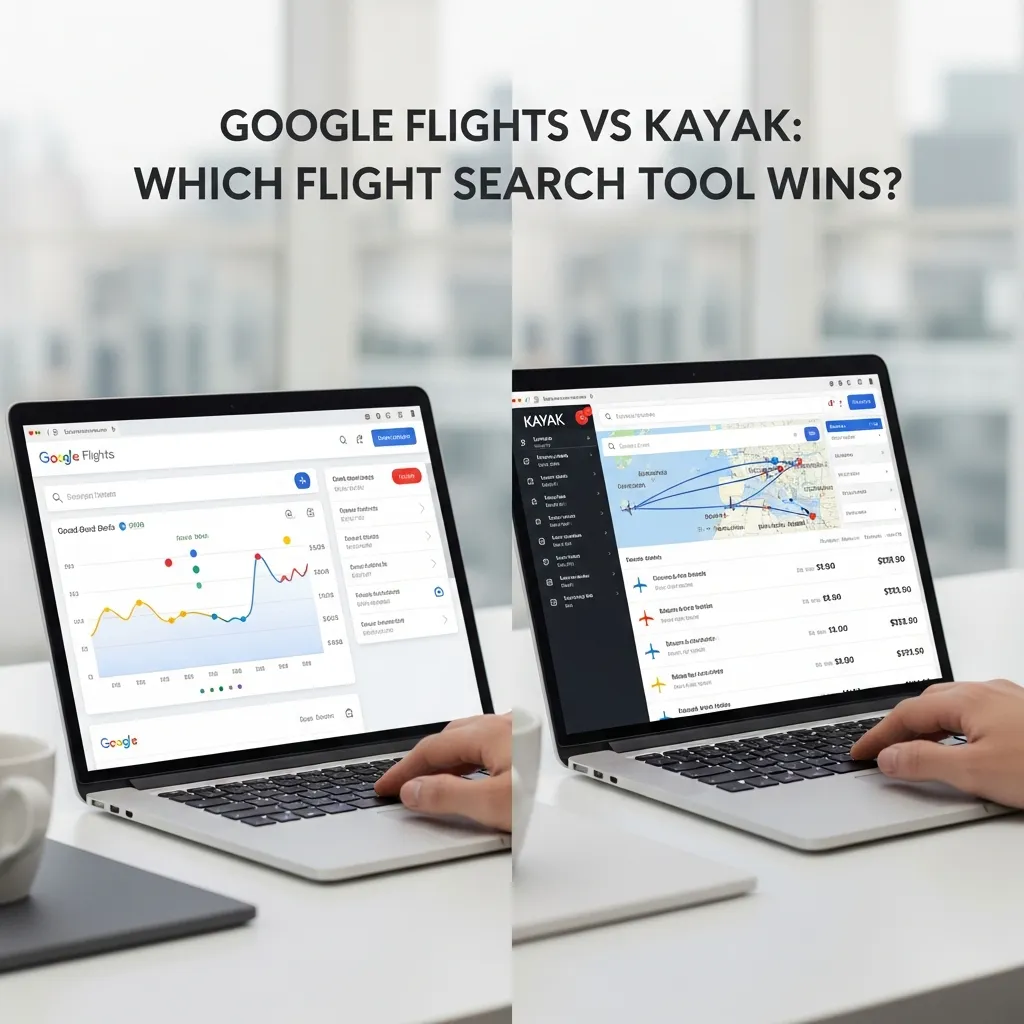
Google Flights and Kayak are both powerful flight search tools, but they serve different traveler needs. Google Flights excels in speed, intuitive design, and flexible search features like “Search Anywhere” and the Google Flights Calendar. Kayak shines for price comparison across multiple booking sites, package deals, and Hacker Fares. The best platform depends on how and where you travel.
Booking a flight used to mean calling a travel agent or walking into a ticketing office. Now, travelers have access to sophisticated search engines that scan thousands of routes and prices in seconds. The shift has been dramatic—and for the most part, it’s been a win for consumers.
But with so many platforms competing for your attention, the choices can feel overwhelming. Two names consistently rise to the top of the conversation: Google Flights and Kayak. Both are free. Both are widely used. And both promise to help you find the best deal. Yet they work in fundamentally different ways—and knowing those differences can save you real money.
This post breaks down exactly how Google Flights vs Kayak stack up across every dimension that matters: features, pricing transparency, search flexibility, and ideal use cases. Whether you’re a frequent flier or planning your first big trip, you’ll leave with a clearer picture of which tool deserves a spot in your travel planning routine—and when to use both.
Google Flights: Speed, Simplicity, and Powerful Search

Google entered the flight search space in 2011 when it acquired ITA Software, a company known for its sophisticated airfare data systems. Today, Google Flights is widely regarded as one of the fastest and most accurate flight search tools available.
What Does the Google Flights Calendar Feature Do?
The Google Flights Calendar view is one of the platform’s standout features. Rather than searching one date at a time, you can view an entire month of prices at a glance, with the cheapest fares highlighted in green. This makes it easy to identify the most affordable travel windows without running dozens of separate searches.
Pair that with the price trend indicator—which tells you whether fares are likely to rise or fall—and you have a genuinely useful decision-making tool built right into the interface.
How Does Google Flights Search Anywhere Work?
The Google Flights Search Anywhere feature lets you enter your departure city and leave the destination blank. Google then displays a world map populated with prices to hundreds of destinations. For travelers with flexibility, this is an exceptional way to discover affordable routes they might not have considered.
You can filter by region, travel dates, trip duration, and travel class—making the “Anywhere” search more than just a novelty. It’s a legitimate strategy for budget-conscious travelers.
Price Alerts and Google Services Integration
Google Flights lets you track prices for specific routes and will email you when fares change significantly. Unlike some platforms, price alerts on Google Flights are clean and uncluttered—no promotional noise, just the data you asked for.
The platform also integrates with Gmail and Google Calendar, automatically detecting itineraries and adding them to your schedule. For users already embedded in the Google ecosystem, this is a seamless experience.
Google Flights Strengths and Weaknesses
Strengths:
- Exceptionally fast search results
- Clean, intuitive interface
- The Google Flights Calendar simplifies flexible date searching
- Direct links to airline and OTA booking pages (no hidden redirects)
- Price trend predictions to guide timing decisions
Weaknesses:
- Limited package deal options (no hotel or car rental bundles)
- Fewer filtering options for loyalty program preferences
- Does not always surface budget airline fares (e.g., Spirit, Frontier)
Common Google Flights Mistakes Travelers Make
Even seasoned travelers make Google Flights mistakes that cost them money or lead to frustration. The most common ones include:
- Ignoring flexible dates: The Calendar view exists for a reason. Travelers who search only their preferred dates often miss cheaper fares just one or two days away.
- Not using Search Anywhere: Many travelers have a rough destination in mind but fixate on one city. The “Explore” map can reveal cheaper alternatives nearby.
- Assuming Google Flights is the booking platform: Google Flights directs you to airlines or third-party sites to complete purchases. Prices occasionally differ slightly at checkout.Google Flights is the booking
- Overlooking the price guarantee: Google offers a price guarantee on select flights when booked through Google. If the price drops, you get the difference back—but many travelers don’t know to look for it.
Kayak: Meta-Search Power and Package Flexibility
Kayak operates as a meta-search engine, meaning it aggregates results from airlines, online travel agencies (OTAs), and other booking platforms rather than selling tickets directly. Founded in 2004 and acquired by Booking Holdings in 2013, Kayak has built a loyal user base thanks to its breadth of coverage and unique features.
What Are Kayak’s Hacker Fares?
Hacker Fares are one of Kayak’s most distinctive offerings. The feature combines two one-way tickets from different airlines to create a cheaper round trip than any single airline’s published round-trip fare. It requires more careful management (separate bookings, no guaranteed rebooking if one leg is delayed), but for travelers comfortable with that trade-off, the savings can be substantial.
Price Forecasts and Filtering Options
Kayak provides a “Price Forecast” tool that predicts whether fares for a given route will rise or fall over the coming days. The platform also offers granular filtering: airline preference, number of stops, departure and arrival time windows, duration, and even specific airports for multi-airport cities.
For travelers with complex preferences—say, avoiding layovers in certain hubs or prioritizing specific carriers for loyalty points—Kayak’s filters offer more granularity than Google Flights.
Package Deals and Bundles
Unlike Google Flights, Kayak allows users to search for flight-and-hotel packages, car rentals, and vacation bundles. This makes it a more complete travel planning platform for travelers who want to consolidate their booking process in one place.
Kayak Strengths and Weaknesses
Strengths:
- Compares prices across a wide range of airlines and OTAs simultaneously
- Hacker Fares can unlock genuinely lower prices on certain routes
- Package deals and bundles add real convenience
- Detailed filtering options for complex itinerary preferences
Weaknesses:
- Search results can feel overwhelming, particularly for new users
- Kayak redirects to third-party sites to complete bookings, introducing an extra step
- Pricing at checkout occasionally differs from what Kayak displays (fees and taxes vary by OTA)
Google Flights vs Kayak: A Head-to-Head Comparison
|
Feature |
Google Flights |
Kayak |
|---|---|---|
|
Interface |
Clean, minimal, fast |
Feature-rich, more complex |
|
Price transparency |
High — direct airline links |
Moderate — redirects to OTAs |
|
Flexible date search |
Excellent (Calendar + Anywhere) |
Good (flexible dates tool) |
|
Package deals |
No |
Yes |
|
Hacker Fares |
No |
Yes |
|
Price alerts |
Yes |
Yes |
|
Price predictions |
Yes |
Yes |
|
Budget airline coverage |
Limited |
Broader |
|
Booking experience |
Redirects to airline or OTA |
Redirects to OTA |
When Should You Use Google Flights?
Choose Google Flights when:
- You want fast, clean search results without noise
- Flexibility on dates or destinations matters to you
- You prefer booking directly with airlines
- You want to use the Google Flights Calendar for monthly price comparisons
When Should You Use Kayak?
Choose Kayak when:
- You want to compare prices across multiple OTAs simultaneously
- You’re open to Hacker Fares for potential savings
- You need to bundle flights with hotels or car rentals
- You have specific airline or routing preferences that require detailed filtering
For most travelers, the smartest approach is to use both. Search Google Flights for a baseline, then check Kayak to see if any OTAs or Hacker Fares beat it.
Google Flights vs Expedia and Other Alternatives
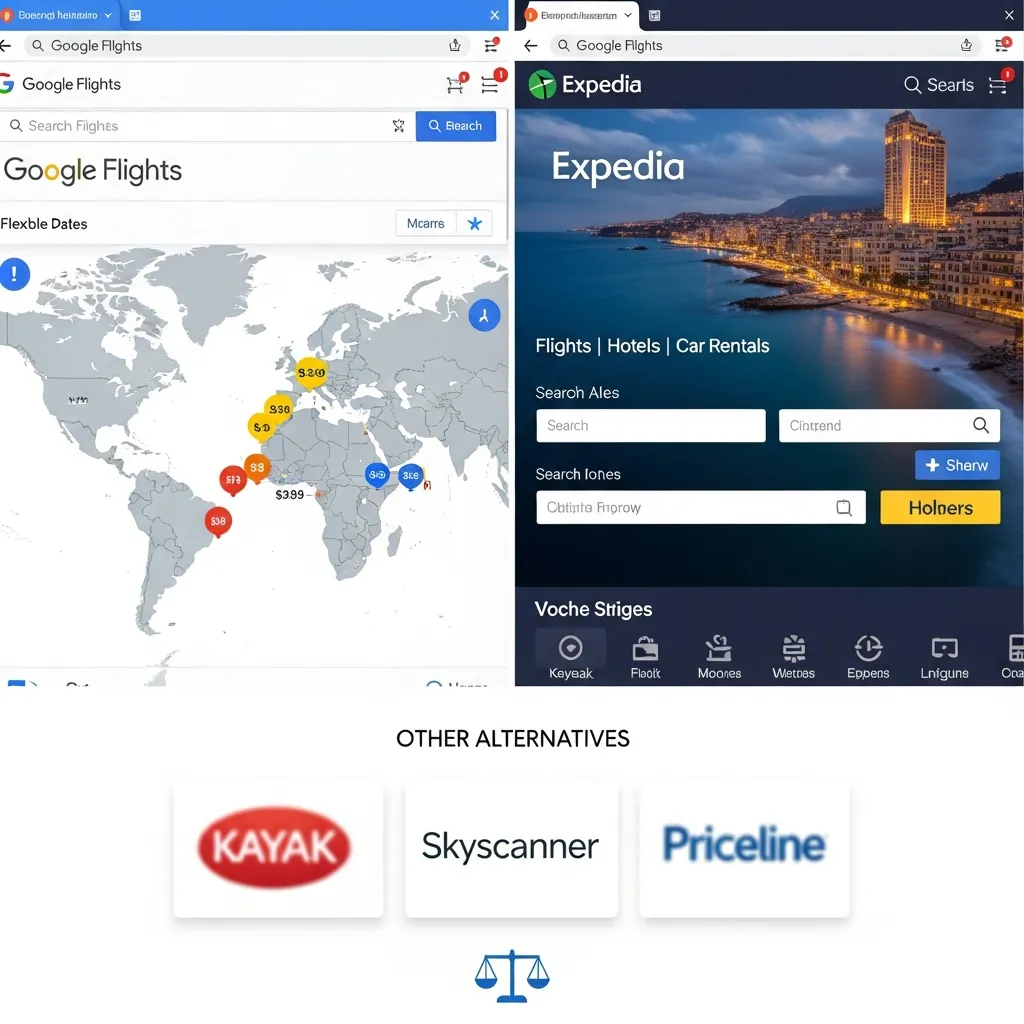
The flight search market extends well beyond these two platforms. Google Flights vs Expedia is a common comparison, particularly for travelers who want package deals. Expedia functions as a full-service OTA—it sells the tickets directly rather than redirecting to other sites. That can mean a smoother booking experience, but Expedia prices occasionally run slightly higher than booking directly with an airline.
Other notable alternatives include:
- Skyscanner: Strong for international flights and multi-city itineraries. Particularly popular outside the US.
- Momondo: Known for surfacing budget carrier fares that other platforms miss.
- Scott’s Cheap Flights (now Going): An email alert service for mistake fares and flash sales—not a search engine, but a complementary tool.
Where Google Flights and Kayak stand out is in data accuracy and search flexibility. Google Flights benefits from ITA Software’s deep airline data infrastructure. Kayak’s meta-search model casts the widest net across booking platforms.
Smart Plane Travel Strategies to Find Better Deals
Regardless of which platform you use, certain smart plane travel habits consistently lead to better fares:
1. Search in incognito mode. Some platforms track repeated searches and adjust prices accordingly. Using a private browser window eliminates that risk.
2. Set price alerts early. Both Google Flights and Kayak allow you to monitor specific routes over time. Setting alerts 6–8 weeks before a domestic flight (and 3–6 months for international) puts you in a strong position to catch fare drops.
3. Be flexible with airports. Major metropolitan areas often have multiple airports. Flying into a secondary airport—like Oakland instead of San Francisco—can cut costs significantly.
4. Avoid the most expensive booking days. Historically, Tuesdays and Wednesdays tend to surface lower fares on many routes, though this varies seasonally. Always check multiple days using the Calendar view.
5. Use the Google Flights Calendar view strategically. Rather than selecting a fixed date, open the Calendar, view a full month of prices, and identify the cheapest travel window before committing.
6. Cross-reference before booking. No single platform captures every deal. Running a search on Google Flights and then checking Kayak takes less than five minutes and can reveal meaningful price differences.
Which Platform Should You Actually Use?

Google Flights vs Kayak isn’t really a competition—it’s a question of fit. Google Flights is the stronger choice for travelers who value speed, simplicity, and direct connections with airlines. The Google Flights Calendar and Search Anywhere tools are genuinely difficult to beat for flexible date and destination research.
Kayak earns its place for travelers who want to compare OTA prices side by side, take advantage of Hacker Fares, or book complete travel packages. Its broader coverage of budget carriers also makes it valuable for price-sensitive travelers.
The future of flight search is moving toward AI-powered recommendations and predictive pricing—both platforms are already investing in this direction. But right now, the smartest strategy is a simple one: use Google Flights to research, use Kayak to verify, and book directly with the airline whenever the price difference is negligible. That combination consistently produces better outcomes than relying on any single platform.
Your next trip is waiting. The tools are free. Now you know how to use them.
Frequently Asked Questions
Is Google Flights always cheaper than Kayak?
No. Google Flights and Kayak each surface different fares depending on the route, airline, and booking platform. Google Flights often shows lower prices on routes served by major carriers because it links directly to airline websites. Kayak can surface lower prices through OTA promotions or Hacker Fares. The best practice is to check both before booking.
Can I book directly on Google Flights?
Not always. In most cases, Google Flights redirects you to the airline’s website or a third-party OTA to complete your purchase. However, Google does offer direct booking on select flights through Google Pay integration, which may include a price guarantee.
What are “Hacker Fares” on Kayak?
Hacker Fares are round-trip itineraries assembled from two separate one-way tickets on different airlines. Kayak combines these when the total cost is lower than any single airline’s published round-trip price. The trade-off is that the two bookings are independent—so if one flight is delayed, the other airline has no obligation to rebook you.
Does Google Flights track prices for specific dates?
Yes. Once you run a search on Google Flights, you can enable price tracking for that specific route and travel dates. Google will send email alerts when the fare changes significantly, making it easier to decide when to book.
How accurate are Kayak’s price predictions?
Kayak’s price forecast tool uses historical data and booking patterns to predict whether fares will rise or fall. According to Kayak, the tool has a reasonably high accuracy rate, but it is a prediction, not a guarantee. Use it as one data point rather than the sole basis for your booking decision.
What should I do if I find a better deal on Google Flights vs Kayak after booking?
Options depend on where you booked. Airlines with flexible fare policies may allow changes for a fee or credit. If you booked through an OTA, the OTA’s refund policy applies. Google offers a price guarantee on select bookings—if the fare drops after booking through Google, you may receive a refund of the difference. Always read the fare rules before confirming a purchase.
Can I search for flights without a destination on Google Flights?
Yes. The Google Flights Search Anywhere feature lets you enter your departure city and leave the destination blank. Google then displays a world map with prices to hundreds of destinations. You can filter by region, budget, trip duration, and travel class to narrow down your options.
Which is better for international flights: Google Flights or Kayak?
Both platforms handle international flights well. Google Flights tends to excel at finding direct or minimal-connection routes from major airlines. Kayak’s broader OTA coverage can surface lower prices from regional carriers or bundled packages. For long-haul international trips, running searches on both platforms—and checking Skyscanner for additional coverage—is a reliable approach.
Are there any hidden fees with Google Flights vs Kayak?
Google Flights displays total prices including taxes and fees in its search results, which reduces surprises at checkout. Kayak’s displayed prices may not always include all OTA fees until you reach the booking page. In both cases, verify the total cost at checkout before confirming—seat selection fees, baggage fees, and booking service charges can add up.
How do common Google Flights mistakes impact my search results?
The most impactful Google Flights mistakes are failing to use flexible date options and ignoring the Search Anywhere tool. These two oversights alone can result in paying significantly more than necessary. Another common mistake is not verifying whether the price shown on Google Flights matches what the airline charges at checkout, as minor discrepancies occasionally occur.
What’s the best way to use the Google Flights Calendar feature?
Open Google Flights, enter your origin and a destination (or use “Anywhere”), then switch to the Calendar view. Look for green-highlighted dates indicating the lowest fares for that month. If your travel schedule allows flexibility of even two to three days in either direction, the Calendar view can identify meaningful savings without requiring multiple searches.