
Google Flights excels at fast, transparent flight-only searches with tools like the Google Flights Calendar and Google Flights Search Anywhere. Expedia wins for bundled travel packages and loyalty rewards. The best platform depends on whether you’re hunting for the cheapest fare or the most convenient all-in-one booking experience.
Booking a flight used to mean calling a travel agent or walking into a ticketing office. Today, the challenge isn’t access—it’s choice. Dozens of platforms compete for your booking, each promising the best deal. Two names dominate the conversation: Google Flights and Expedia.
Both platforms are powerful. Both can save you money. But they’re built for different types of travelers, and using the wrong one for your situation can cost you—not just in dollars, but in time and flexibility. Google Flights vs Expedia is one of the most common debates among frequent flyers, budget travelers, and trip planners alike.
This post breaks down exactly how each platform works, where each one excels, and where each falls short. You’ll also find 12 Google Flights mistakes that most travelers make—and how to avoid every single one. By the end, you’ll know precisely which platform to use, and when.
Google Flights: A Deep Dive Into Features and Functionality
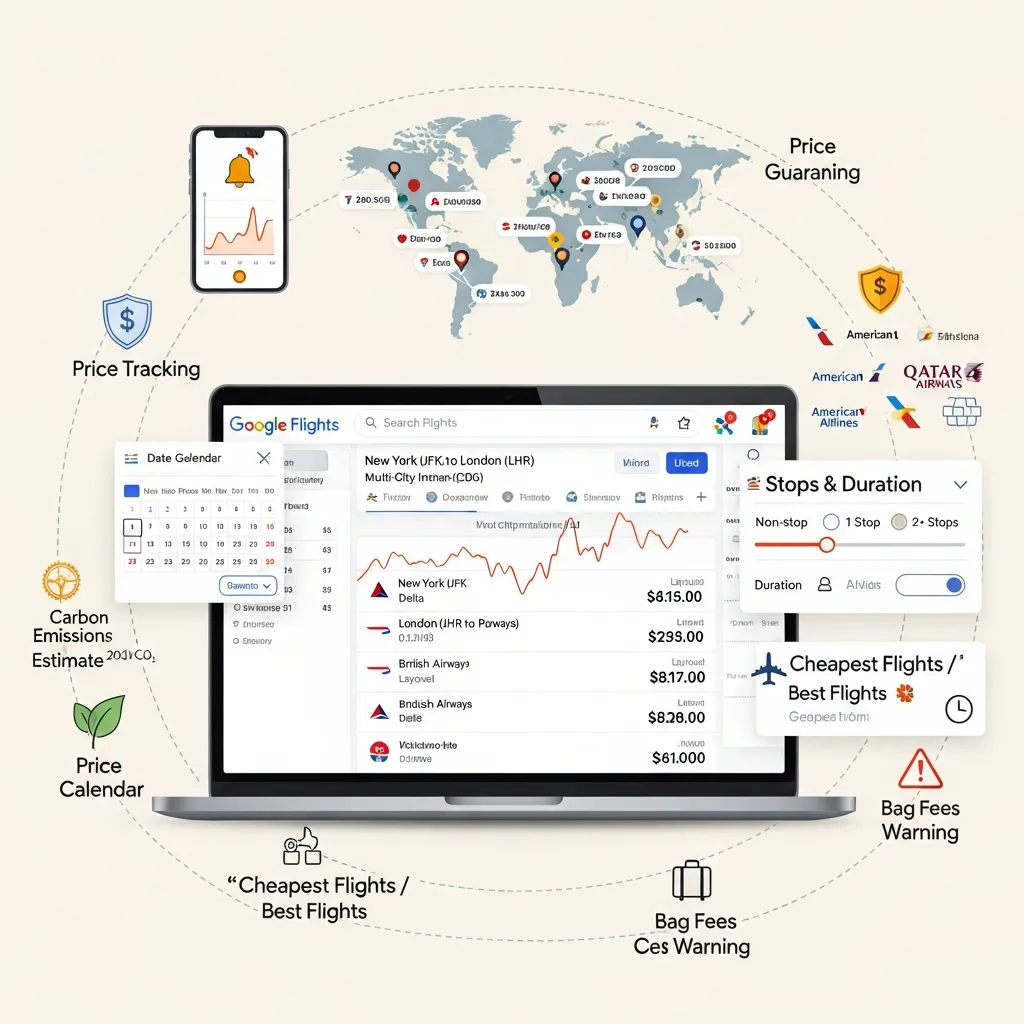
Google Flights launched in 2011 and has since become the go-to tool for travelers who want fast, accurate flight data without the clutter of a full booking platform. It doesn’t sell tickets directly—instead, it aggregates results from airlines and online travel agencies (OTAs) and lets you compare before clicking through to book.
What Makes Google Flights Powerful?
Price tracking and alerts are among Google Flights’ most useful features. Set a route, and Google Flights will monitor fare changes and notify you when prices drop. This is particularly useful for travelers who are flexible on timing but committed to a destination.
The Google Flights Calendar is a standout tool. Rather than locking in specific dates, you can view an entire month’s worth of fares in a color-coded grid. Green means cheap; higher prices appear in yellow or red. Shifting your departure or return date by even one or two days can reveal savings of $100 or more on popular routes.
Google Flights Search Anywhere (also called “Explore destinations”) takes flexibility further. Enter your departure city without a destination, and Google Flights generates a map showing fares to destinations worldwide. This feature is ideal for travelers who have a budget but haven’t fixed a location—it surfaces deals you’d never think to search for.
Additional features include multi-city and open-jaw search options, tight integration with the broader Google ecosystem (including Google Maps and Google Hotel Search), and a clean, fast interface that returns results almost instantly.
Google Flights Pros
- Lightning-fast search results
- Transparent, fee-free pricing display
- Powerful date flexibility tools (Google Flights Calendar)
- No booking bias—shows results from multiple airlines and OTAs
- Price alerts that monitor routes over time
Google Flights Cons
- Does not process bookings directly; redirects you elsewhere to complete the purchase
- No package deals combining flights, hotels, and car rentals
- No loyalty or rewards program for repeat users
- Customer support is limited once you’ve booked through a third party
12 Google Flights Mistakes to Avoid
Google Flights is powerful, but it rewards travelers who know how to use it. These are the 12 Google Flights mistakes that trip up even experienced travelers.
1. Skipping the Calendar View
The Google Flights Calendar is one of the platform’s best features—and one of the most underused. Always check the calendar view before committing to dates. A one-day shift can yield significant savings.
2. Ignoring Nearby Airports
Google Flights allows you to search multiple departure or arrival airports simultaneously. Flying into a secondary airport 30–60 minutes from your destination can cut costs dramatically.
3. Not Setting Price Alerts
If you’re not ready to book today, set a price alert. Google Flights will monitor the route and email you when fares change. This takes 10 seconds and can save hundreds.
4. Only Searching Specific Dates
Locking into specific dates without checking alternatives is one of the costliest Google Flights mistakes. Use the “flexible dates” filter to compare fare ranges across a window of days.
5. Overlooking Google Flights Search Anywhere
If your destination is flexible, use the Google Flights Search Anywhere feature. It displays global fares on a map, revealing deals on routes you’d never have searched manually.
6. Not Checking the Airline Directly
Google Flights is a discovery tool, not always the cheapest booking point. After identifying the best fare, visit the airline’s website directly. Some airlines offer lower prices or better perks when you book with them.
7. Forgetting Incognito Mode
Some travelers report that repeated searches cause prices to appear higher due to browser cookies. Use incognito or private browsing mode to ensure you’re seeing unbiased results.
8. Misinterpreting “Price Drop” Notifications
A price drop alert means the fare has decreased from a previous level—not necessarily that it’s at its lowest point. Cross-reference alerts with the Google Flights Calendar to confirm the deal is genuinely strong.
9. Not Considering Alternative Routes
Direct flights are convenient, but connecting routes—especially through budget-airline hubs—can cut costs significantly. Use the filter options in Google Flights to compare non-stop and one-stop results side by side.
10. Ignoring Layover Durations
Google Flights displays layover times, but it’s easy to overlook them. A 14-hour layover may make a fare unattractive. Always check connection times before clicking through to book.
11. Booking Too Far in Advance or Too Late
The sweet spot for domestic flights is generally 1–3 months before departure; for international routes, 2–6 months. Booking too early or at the last minute typically results in higher fares.
12. Not Checking Baggage Allowances
Google Flights now displays baggage fee information for many airlines, but this data isn’t always complete. A cheap base fare can become expensive once checked bag fees are added. Always verify baggage policies on the airline’s website before booking.
Expedia: A Comprehensive Travel Companion

Expedia operates differently from Google Flights. Founded in 1996, it’s a full-service OTA—meaning it processes bookings directly, not just aggregates results. Its core appeal is the ability to bundle flights, hotels, and car rentals into a single transaction.
What Makes Expedia Stand Out?
Bundle pricing is Expedia’s flagship feature. When you book a flight and hotel together, Expedia applies dynamic package pricing that can reduce the combined cost compared to booking each element separately. The savings vary, but Expedia actively promotes bundle discounts as a core value proposition.
The Expedia Rewards program (now rebranded as One Key) lets users earn points on flights, hotels, and car rentals. Points accumulate across bookings and can be redeemed for future travel—a meaningful advantage for travelers who consolidate their bookings through one platform.
Expedia’s inventory is extensive. It carries flights from hundreds of airlines, millions of hotel properties, and rental car options worldwide. Its 24/7 customer support is a genuine differentiator—if a flight is canceled or a booking goes wrong, you can contact Expedia directly rather than navigating airline hold times alone.
Expedia Pros
- One-stop booking for flights, hotels, and car rentals
- Package deals that can reduce total trip cost
- Loyalty program (One Key) that rewards repeat bookings
- 24/7 customer support for booking issues
- Wide inventory across airlines and accommodation types
Expedia Cons
- Pricing transparency is lower than Google Flights—fees may appear late in the booking process
- Search interface is slower and more cluttered
- Flight-only searches offer less flexibility than Google Flights
- Individual components of bundles can sometimes be cheaper when booked separately
Google Flights vs Expedia: Head-to-Head Comparison
User Interface and Search Experience
Google Flights wins on speed and simplicity. Its interface is clean, results load instantly, and filtering options are intuitive. Expedia’s interface is richer but also heavier—it loads more slowly and surfaces more promotional content alongside organic results.
Price Discovery and Transparency
Google Flights displays total ticket prices including taxes by default, with no booking markup. Expedia’s prices are also inclusive, but fees can sometimes surface later in the checkout process—particularly within bundle packages.
Flexibility and Date Tools
The Google Flights Calendar and Google Flights Search Anywhere have no direct equivalent in Expedia’s flight search. Expedia offers a “flexible dates” toggle, but its date exploration tools are less visual and less powerful. For travelers prioritizing flexibility, Google Flights is the stronger choice.
Package Deals vs. Flight-Only Focus
Expedia is the clear winner for package travelers. If you’re booking a flight, hotel, and car rental for the same trip, Expedia’s bundle pricing and unified itinerary management simplify the process considerably. Google Flights, by design, handles flight search only.
Customer Support and Post-Booking Assistance
Expedia’s 24/7 support is a real advantage—particularly for complex itineraries or disrupted travel. Google Flights provides no post-booking support because it doesn’t process transactions. Once you click through to the airline or OTA, you’re dealing with that entity’s support team.
Loyalty Programs
Expedia’s One Key rewards program offers tangible benefits for frequent travelers who centralize their bookings. Google Flights has no loyalty mechanism. If earning travel rewards matters to you, Expedia has the edge.
A Note on Flight Safety Briefings

Regardless of which platform you use to book, Flight Safety Briefings remain an important part of air travel. Always pay attention to pre-flight safety demonstrations and review the safety card in your seat pocket—these procedures exist for good reason and apply to every flight, regardless of how or where you booked.
Conclusion: Which Platform Should You Use?
The Google Flights vs Expedia debate doesn’t have a universal winner—it has a correct answer for your specific situation.
Choose Google Flights if:
- You’re booking a flight only, without a hotel or car rental
- Price transparency and search speed are priorities
- You want to use tools like the Google Flights Calendar and Google Flights Search Anywhere to find the best fare
- You’re flexible on dates or destination
Choose Expedia if:
- You’re booking a complete trip package (flight + hotel + car)
- You value 24/7 customer support and a single point of contact for your itinerary
- You want to earn and redeem loyalty points through the One Key program
- Convenience matters as much as price
Many experienced travelers use both. Google Flights for fare research and date exploration, Expedia for the final bundle booking when it makes financial sense. There’s no rule requiring loyalty to one platform—using both strategically is smart travel.
Avoid the 12 Google Flights mistakes outlined above, explore both platforms for your next trip, and you’ll consistently find better fares with less effort.
Frequently Asked Questions
Is Google Flights or Expedia cheaper for booking flights?
Google Flights typically surfaces the lowest available fares because it searches across airlines and OTAs without markup. Expedia may offer savings on bundled packages (flight + hotel), but individual flight prices on Expedia can be higher than those found through Google Flights. Always compare both before booking.
Does Google Flights actually book your flight?
No. Google Flights is a flight search and comparison tool, not a booking platform. When you select a fare, Google Flights redirects you to the airline’s website or an OTA like Expedia to complete the purchase.
What is the Google Flights Calendar and how does it help save money?
The Google Flights Calendar is a date-flexibility tool that displays fares across an entire month in a color-coded grid. Travelers can quickly identify the cheapest departure and return dates without searching each combination manually. It’s one of the most effective features for reducing flight costs.
How does Google Flights Search Anywhere work?
Google Flights Search Anywhere allows you to enter only a departure city—without specifying a destination—and view available fares on a global map. This feature is ideal for travelers with flexible destinations who want to find the best deal available from their home airport.
What is the Expedia One Key rewards program?
One Key is Expedia’s loyalty program, which replaced Expedia Rewards. Members earn “One Key Cash” on eligible bookings across Expedia, Hotels.com, and Vrbo. Points can be redeemed as currency toward future bookings on any of these platforms.
Can I book hotels and car rentals through Google Flights?
No. Google Flights is focused exclusively on flight search. For hotels, Google offers a separate tool (Google Hotel Search). Expedia handles flights, hotels, and car rentals within a single booking interface.
What are the most common Google Flights mistakes travelers make?
The 12 most common Google Flights mistakes include skipping the Google Flights Calendar, ignoring nearby airports, not setting price alerts, only searching specific dates, overlooking Google Flights Search Anywhere, not checking the airline directly, forgetting incognito mode, misinterpreting price drop alerts, ignoring alternative routes, overlooking layover durations, booking at the wrong time, and not verifying baggage allowances.
Is Expedia reliable for flight bookings?
Yes, Expedia is a well-established OTA with a strong track record. It offers 24/7 customer support and processes millions of bookings annually. However, reading cancellation and change policies carefully before booking is important, as these can vary by airline and fare type.
When is it better to book directly with an airline rather than using Google Flights or Expedia?
Booking directly with an airline can be advantageous when you want to earn frequent flyer miles, access seat selection without extra fees, or receive priority service during disruptions. Google Flights often highlights when the airline’s direct price matches the fare shown, making it easy to identify when direct booking is worthwhile.
Does Expedia show all available flights?
Expedia has a broad inventory, but it does not display all airlines. Some budget carriers—particularly ultra-low-cost airlines like Spirit or Ryanair in some markets—may not appear on Expedia. Google Flights has broader coverage, though neither platform is guaranteed to show every available fare.
What are Flight Safety Briefings and are they related to booking platforms?
Flight Safety Briefings are pre-flight instructions delivered by cabin crew covering emergency procedures, seatbelt use, exit locations, and oxygen mask deployment. They are regulated by aviation authorities and apply to every commercial flight, regardless of which platform was used to book the ticket. Paying attention to Flight Safety Briefings is a standard best practice for all air travelers.
How far in advance should I book flights using Google Flights or Expedia?
For domestic flights, booking 1–3 months in advance typically yields the best fares. For international routes, 2–6 months ahead is generally optimal. Both Google Flights and Expedia can help track prices over time—Google Flights via price alerts, and Expedia through its price tracking feature—so setting alerts well before your target travel window is advisable.